Guides
Getting Started
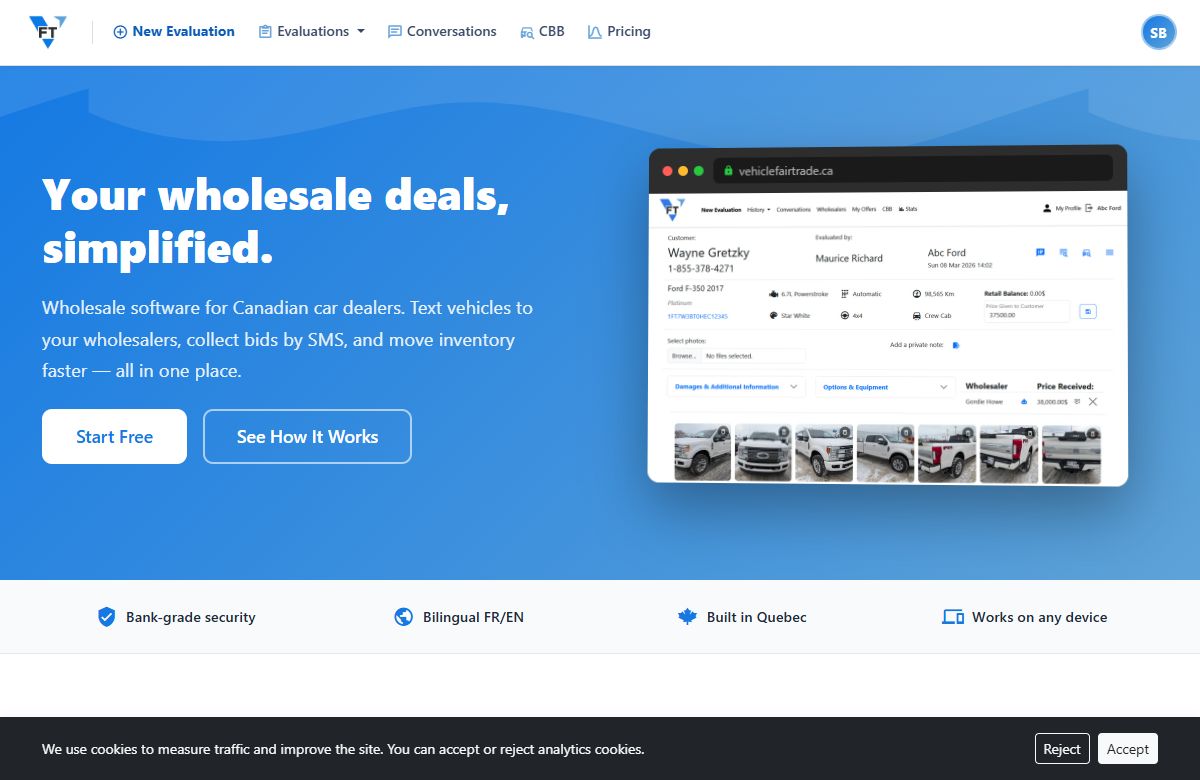
Create Your Vehicle Fair Trade Account
Create a Vehicle Fair Trade account in three steps: sign up with your email, verify it, and turn on two-factor. Start on the free tier, no card.
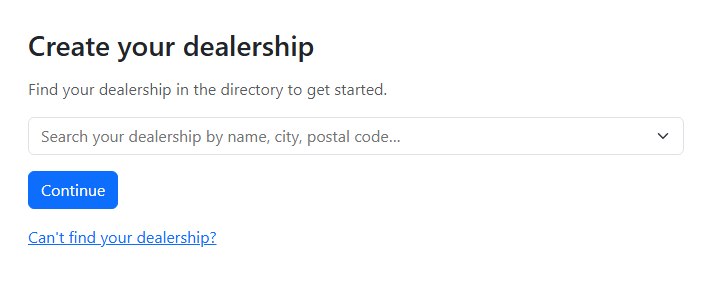
Create your dealership on Vehicle Fair Trade
Create your dealership on Vehicle Fair Trade in minutes: find your store in the directory, claim it with a verified work email, and choose a plan.
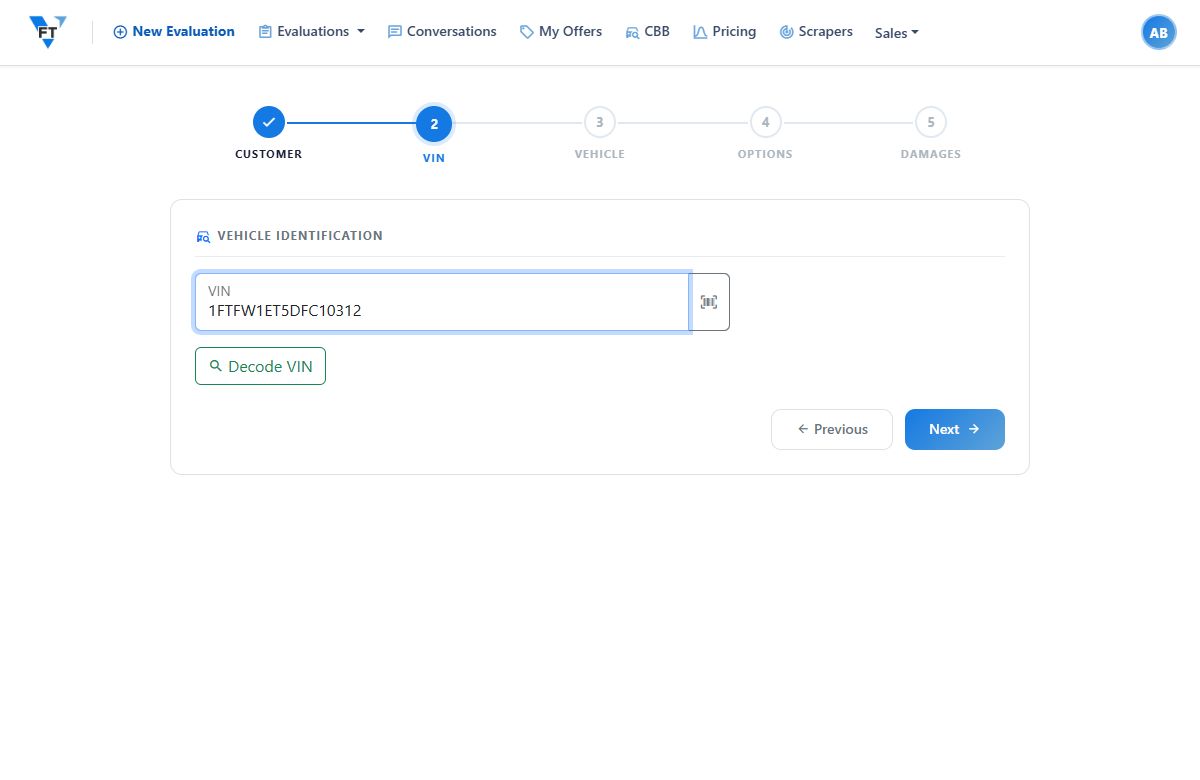
Decode a VIN in Vehicle Fair Trade
Enter a 17-character VIN and VFT fills in the make, model, year, trim, and engine. Decoding is free on every plan and starts every evaluation.
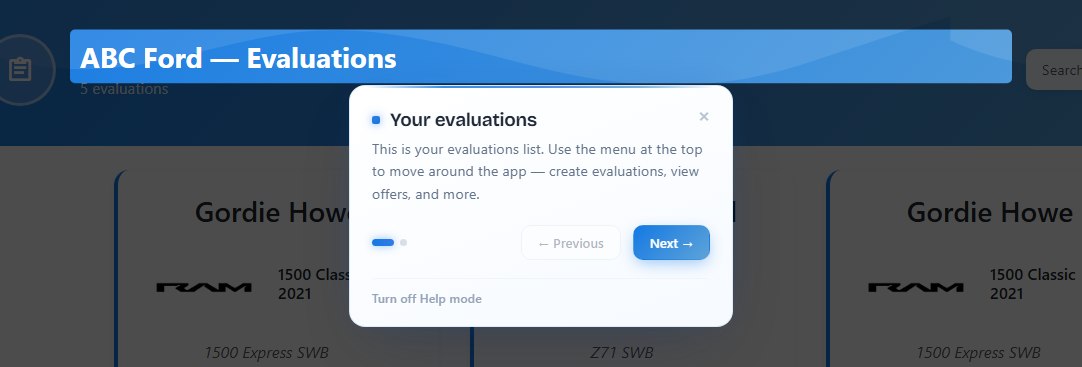
Help mode: guided tours of Vehicle Fair Trade
Help mode walks you through Vehicle Fair Trade with guided tooltips on each page. Learn what the tours cover and how to turn Help mode on or off.
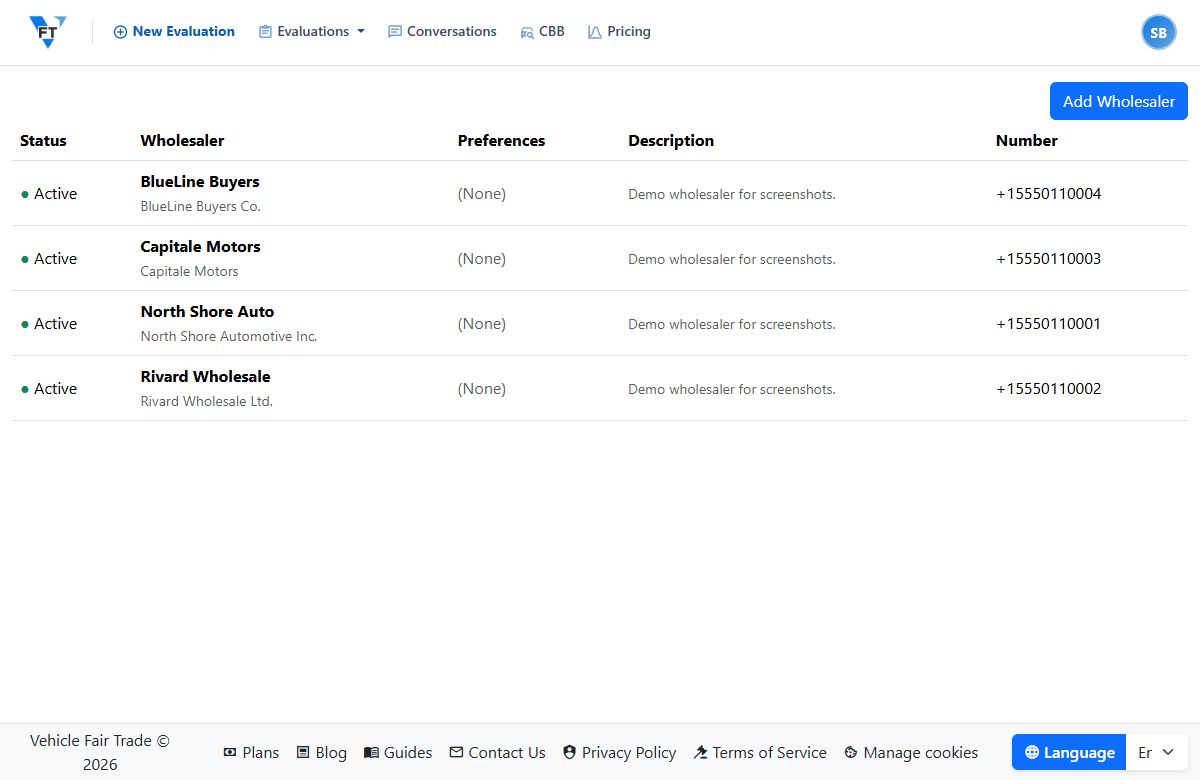
Manage Your Wholesaler Contacts
Add, edit, and remove the wholesalers your evaluations get sent to. Your buyer list is the engine of the blast, here's how to keep it current in VFT.
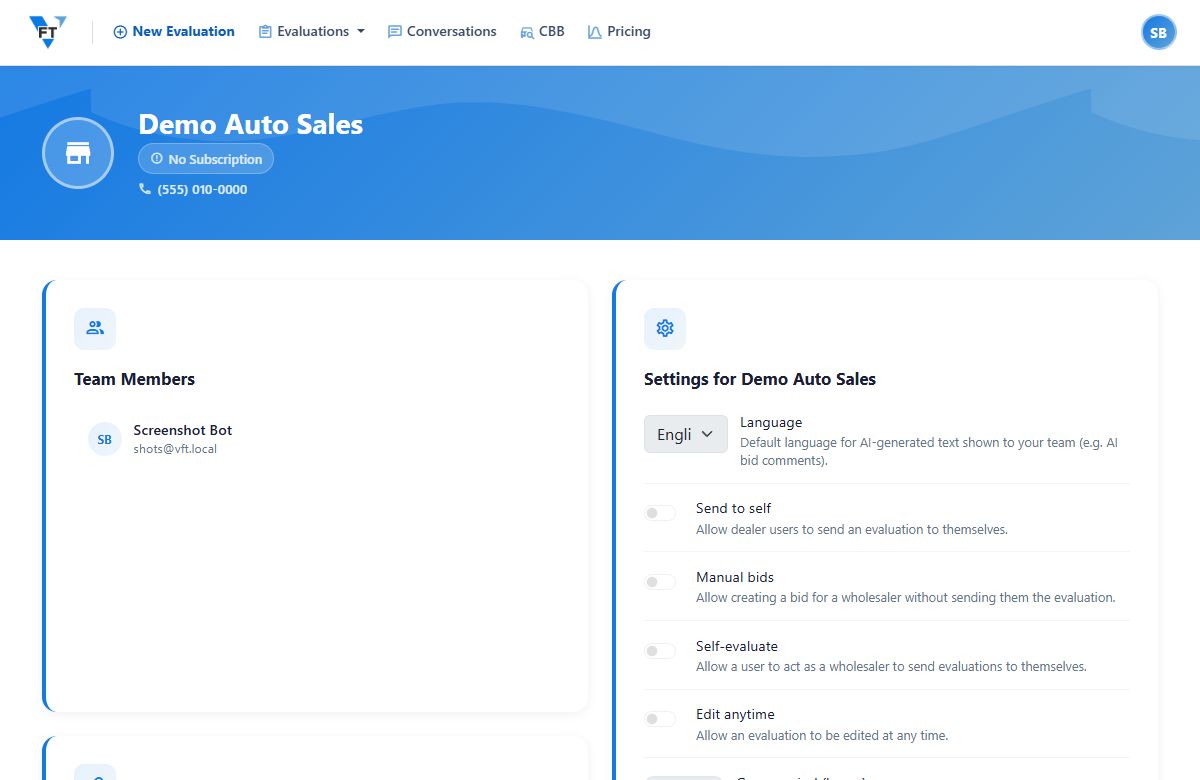
Set Up Your Dealership in Vehicle Fair Trade
Set your dealership details, confirm the number your texts go out from, and choose your evaluation defaults. A few minutes of setup before your first send.
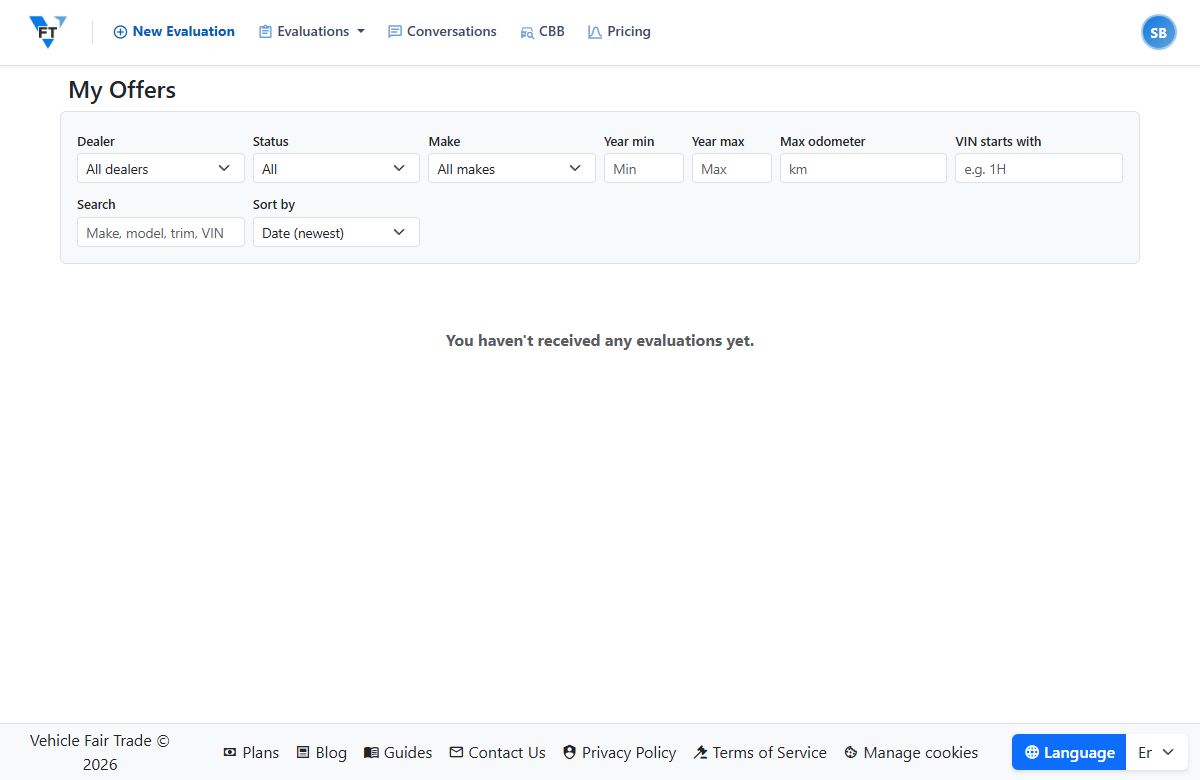
What Is Vehicle Fair Trade? Wholesale Bidding, Explained
Vehicle Fair Trade is wholesale bidding software for car dealers: appraise a trade, text it to your own wholesalers, and collect competing offers. No auction.
Evaluations
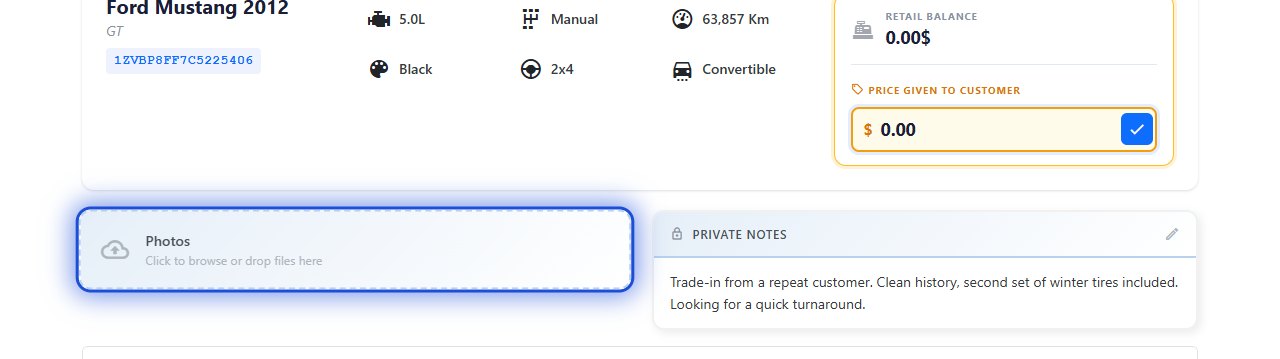
Add Photos to an Evaluation for Honest Offers
Upload photos to an evaluation and they go to your wholesalers with the unit. Real photos get real offers. What to shoot and how to add them in VFT.
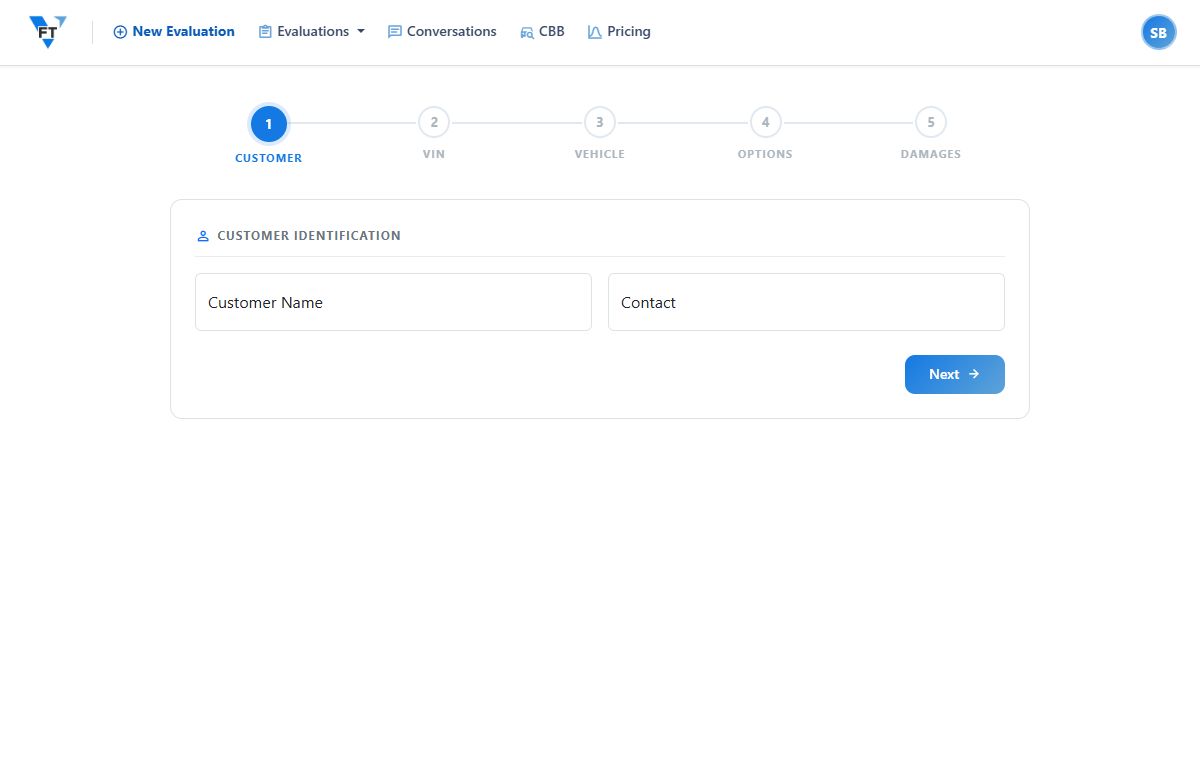
Create an Evaluation in Vehicle Fair Trade
Decode the VIN, confirm the build, add a value and photos, and your evaluation is ready to send to wholesalers. Most of it pre-fills. Here's the flow.
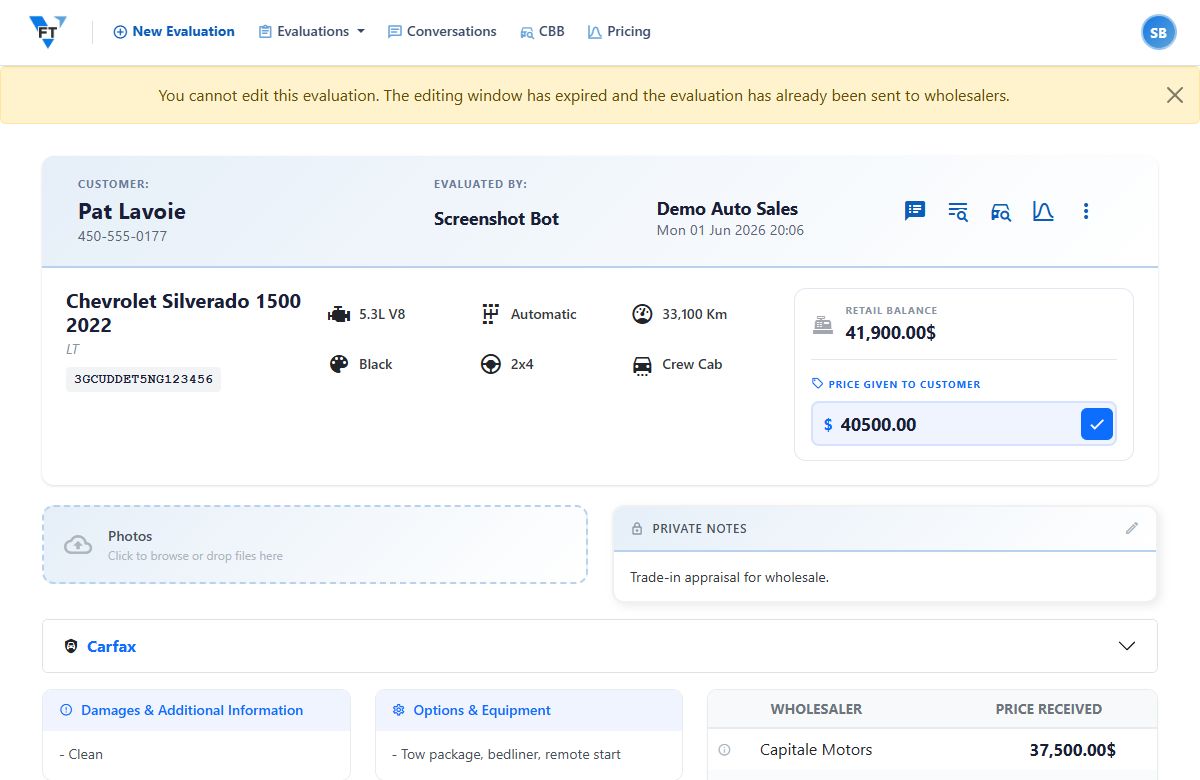
Edit or Duplicate an Evaluation
Fix a detail after you've built an evaluation, or duplicate one to start a near-identical unit fast. How editing and duplicating work in VFT.
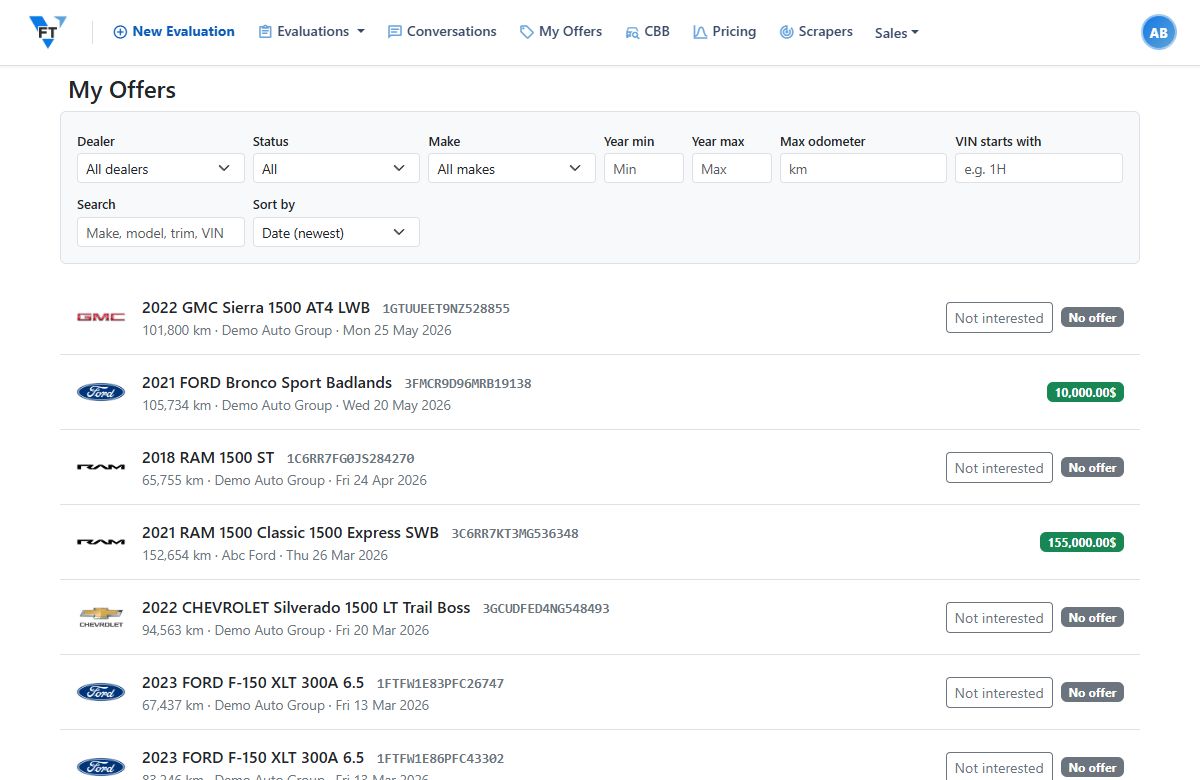
Record and Manage Bids on an Evaluation
Bids attach to the evaluation, pulled from replies or added by hand. Approve the winner, mark a bad offer, remove a mistake. Every change is on the record.
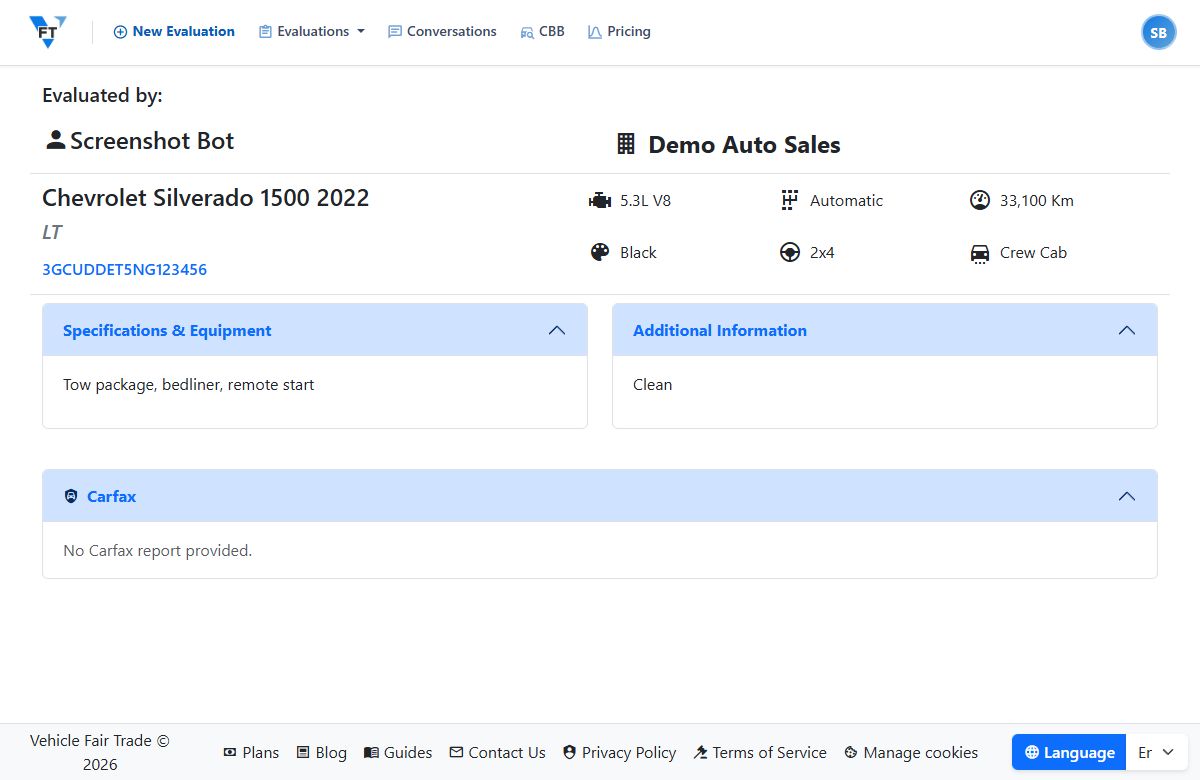
Share the Public Wholesaler Link
Every evaluation has a public link a wholesaler can open in a browser, no account, to see the full unit: details, photos, and the Carfax link. How to share it.
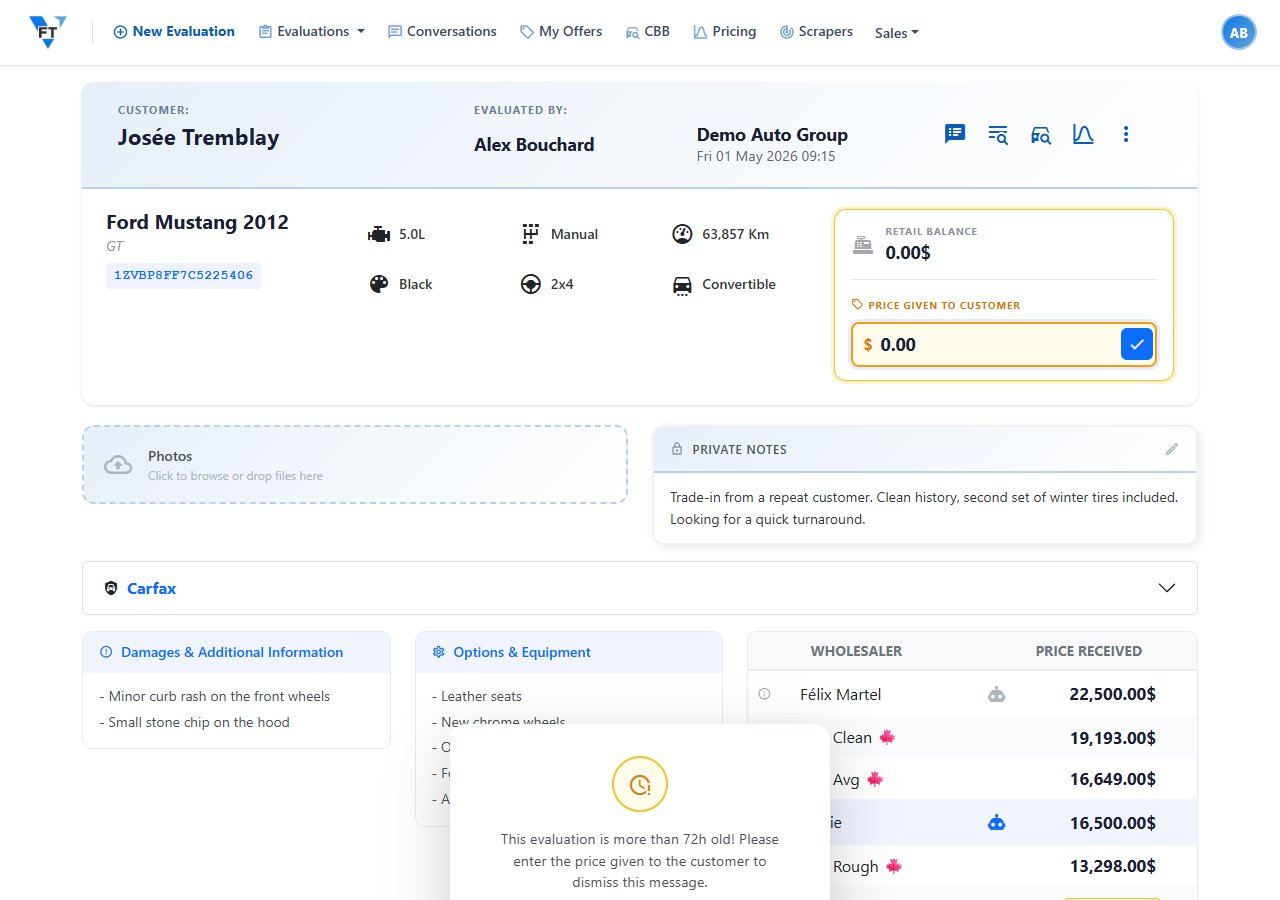
What Is a Vehicle Evaluation in VFT?
A vehicle evaluation is the appraisal record for one unit, the thing you send to wholesalers. What goes in it and how it flows from VIN to winning bid.
Window Stickers
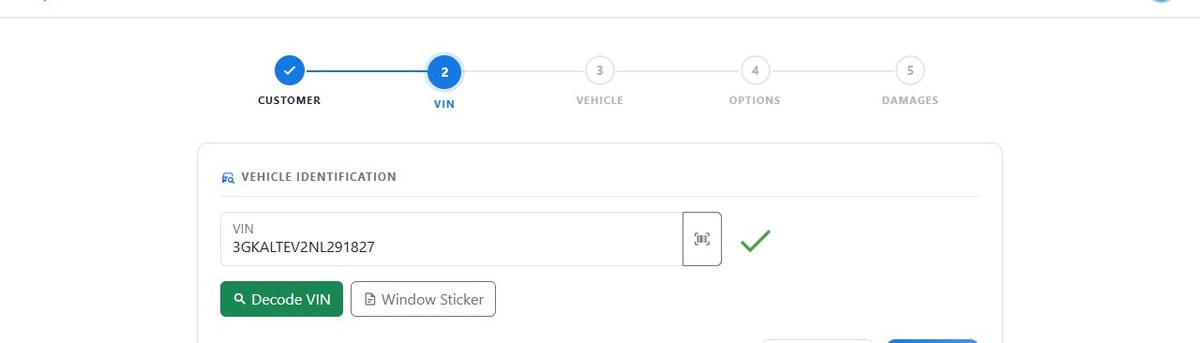
Generate a Window Sticker for a Vehicle
Enter a VIN and VFT looks up the OEM window sticker, trim, factory options, and MSRP. Use it to confirm the build and pre-fill the evaluation. Step by step.
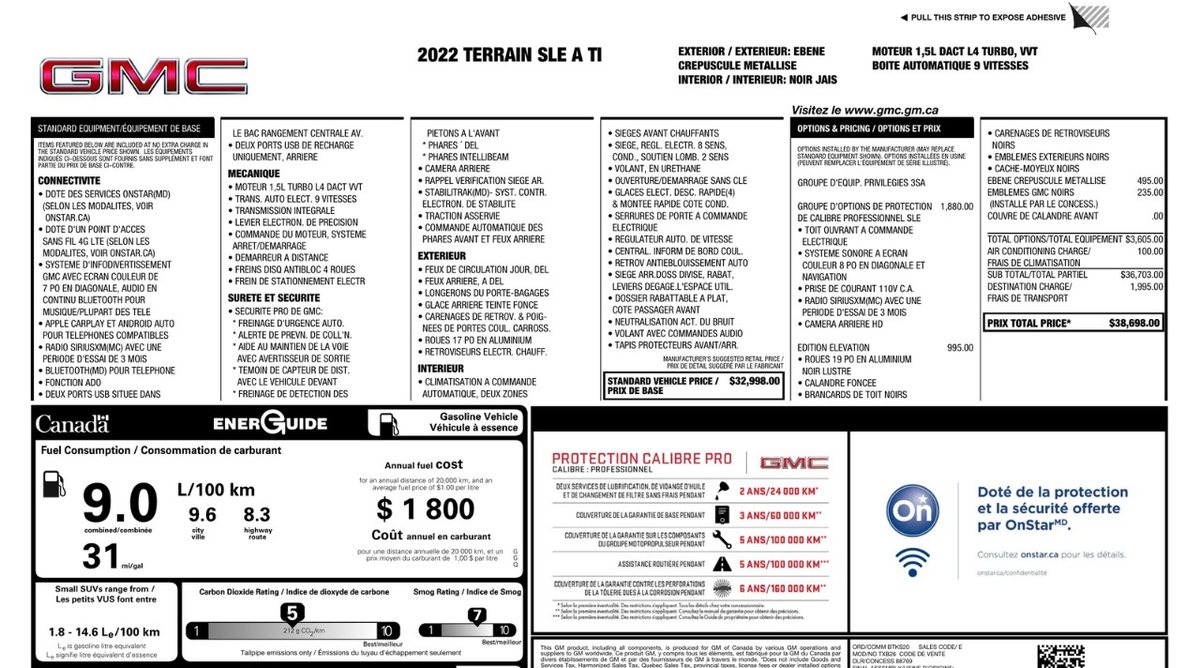
OEM Window Stickers by VIN for Car Dealers
Pull a vehicle's OEM window sticker by VIN to confirm the exact factory options, then pre-fill the evaluation. Here's how dealers use it to appraise straight.
CBB Values
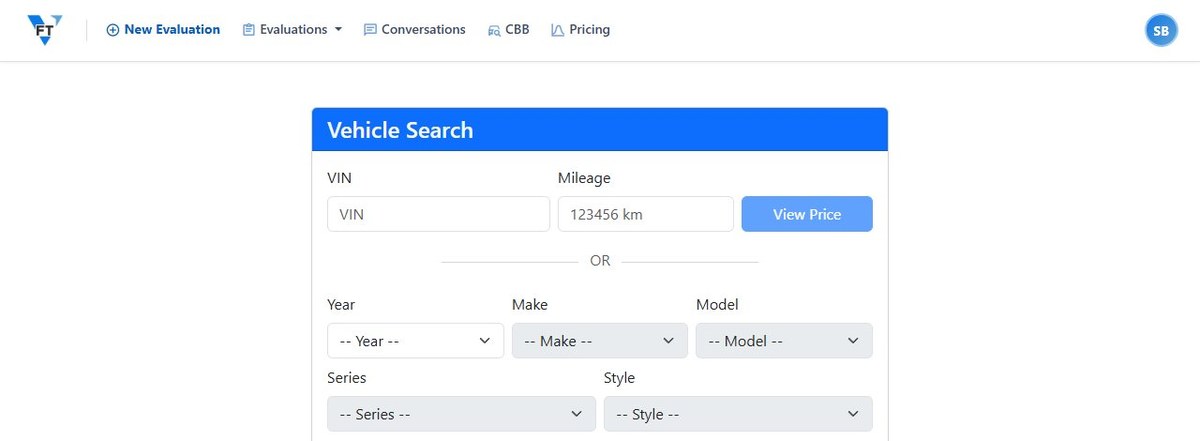
Browse the Canadian Black Book Catalog
No VIN handy? Browse the Canadian Black Book catalog by year, make, model, series, and style to find a vehicle and its values. When to browse vs decode.
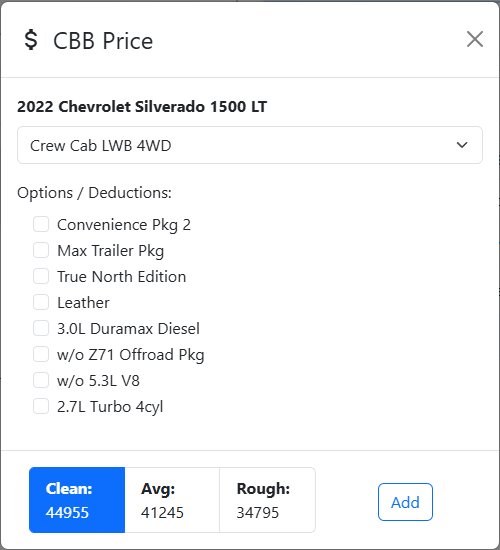
Canadian Black Book Trade-In Values for Dealers
Canadian Black Book gives a daily wholesale and trade-in value by VIN. See how dealers use CBB inside an appraisal, and why the bid still sets the price.
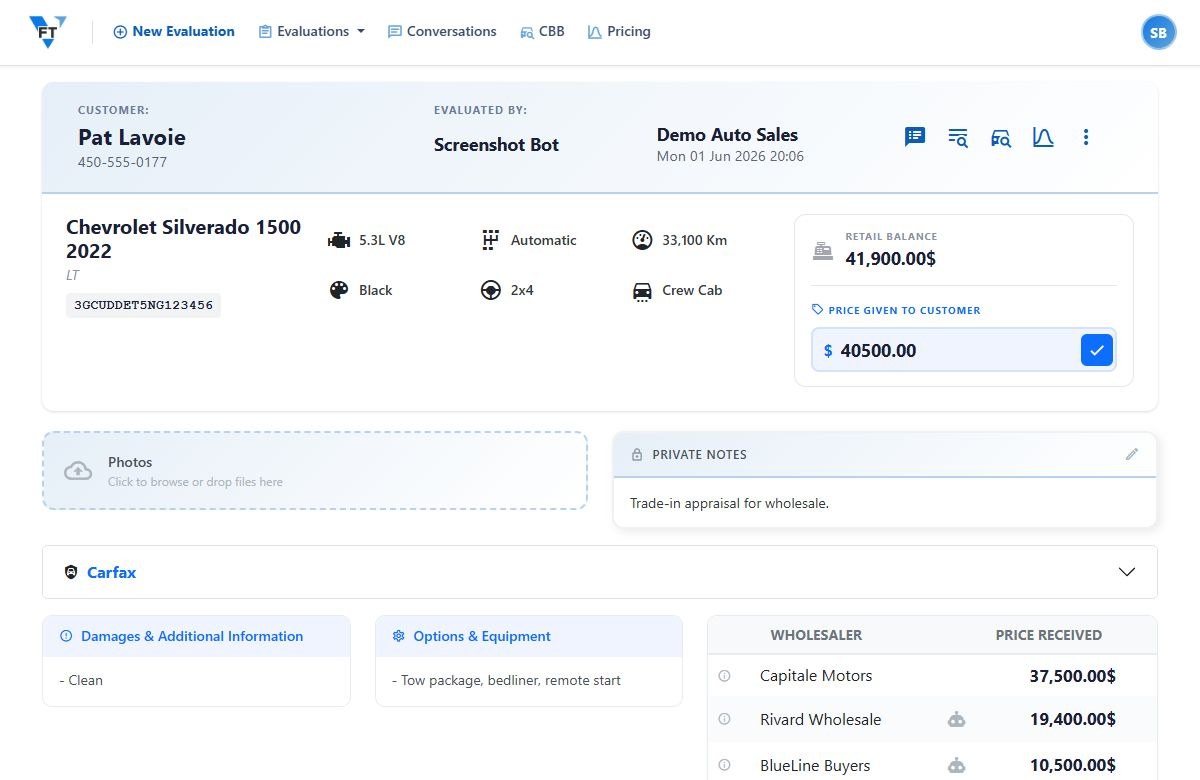
Look Up a Canadian Black Book Value by VIN
Decode a VIN and VFT pulls the Canadian Black Book wholesale and retail values for that exact vehicle, onto the evaluation. The fast way to a starting number.
SMS & Wholesalers
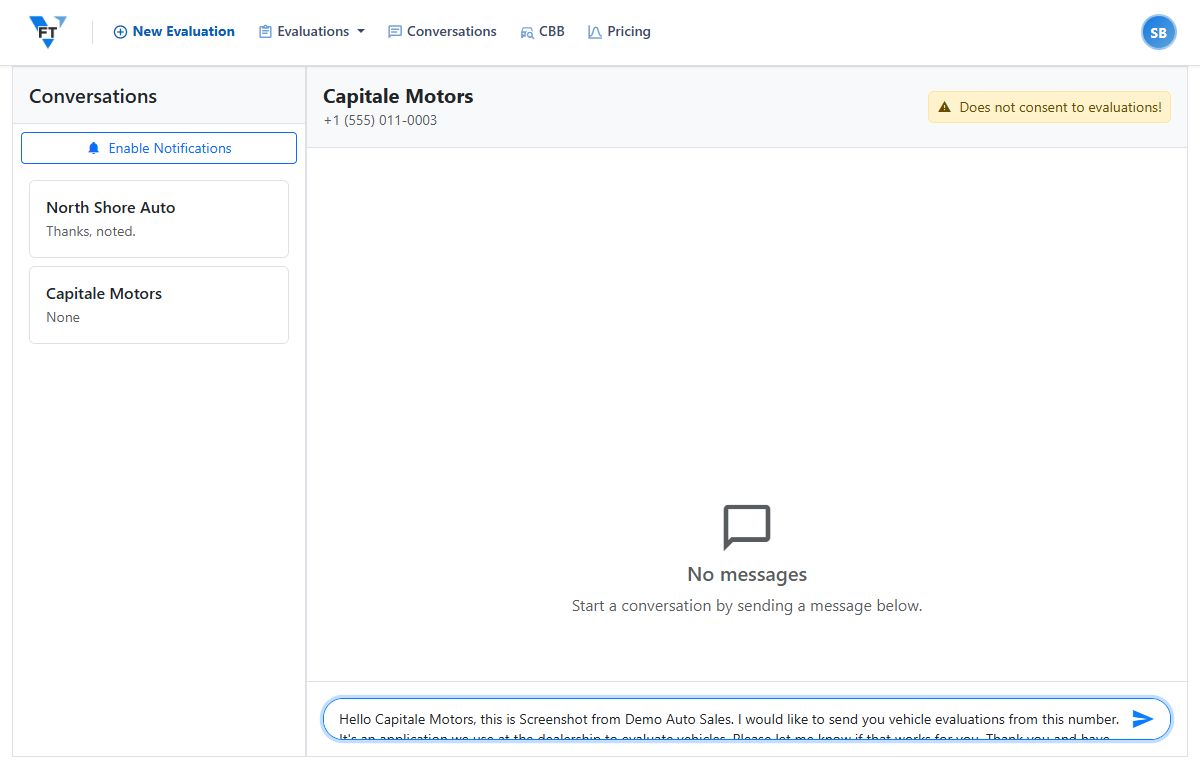
Manage Your Wholesaler Conversations
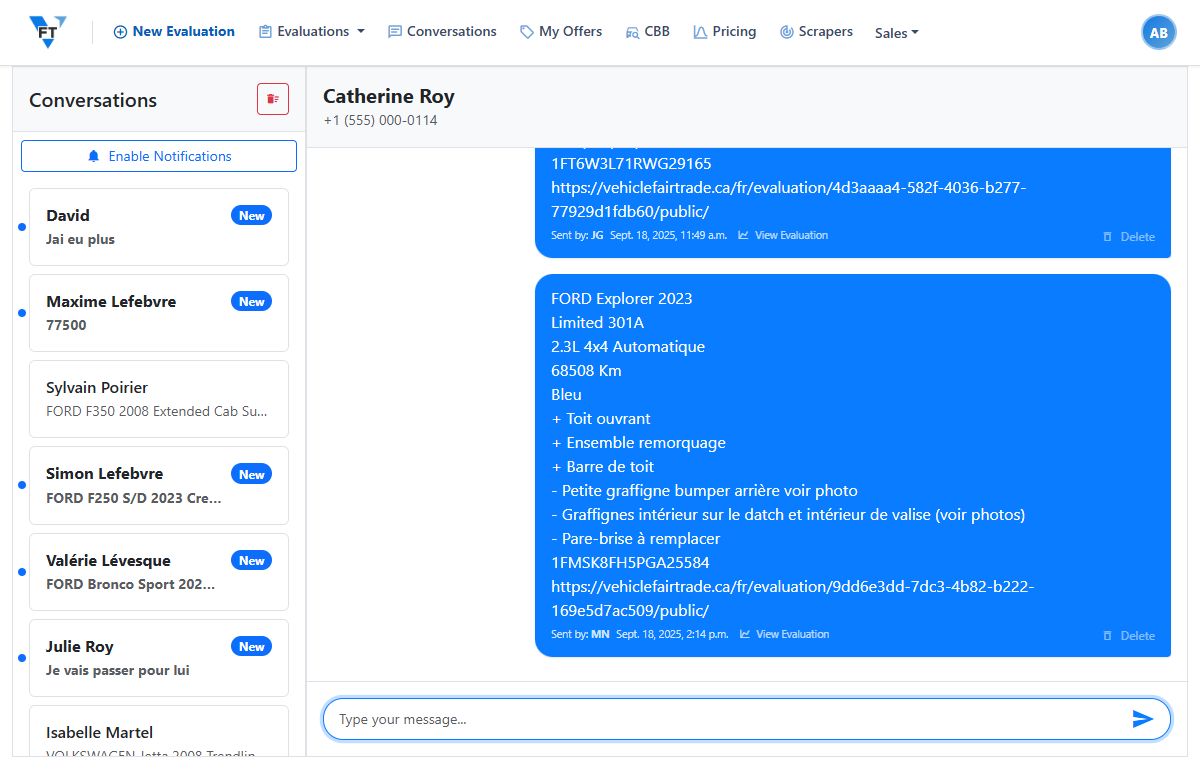
Every wholesaler gets a live conversation thread in VFT. Read replies, search across threads, and soft-delete a message while keeping the full history.
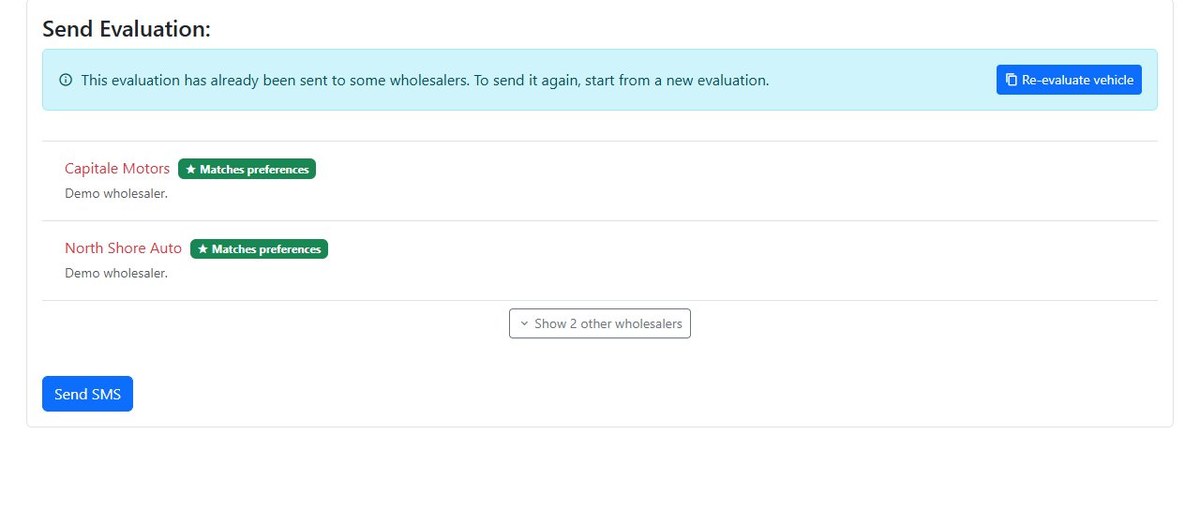
Send an Evaluation by SMS to Wholesalers
Open a finished evaluation, pick your wholesalers, and blast it by SMS in one shot. Their replies come back as offers. The step-by-step send in VFT.
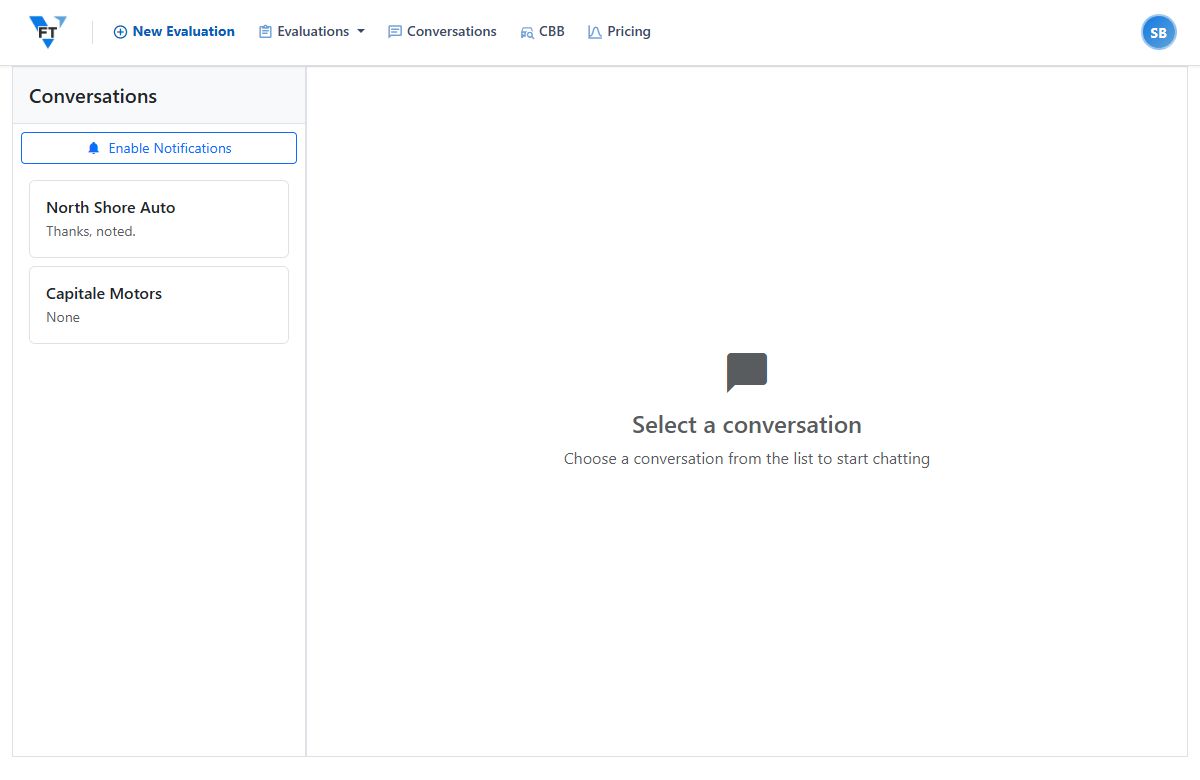
Text Your Wholesalers a Trade, Get Offers Back
Send a trade to every wholesaler at once by text and collect their offers in one place. Here's how dealers run the wholesale blast in VFT, no phone tag.
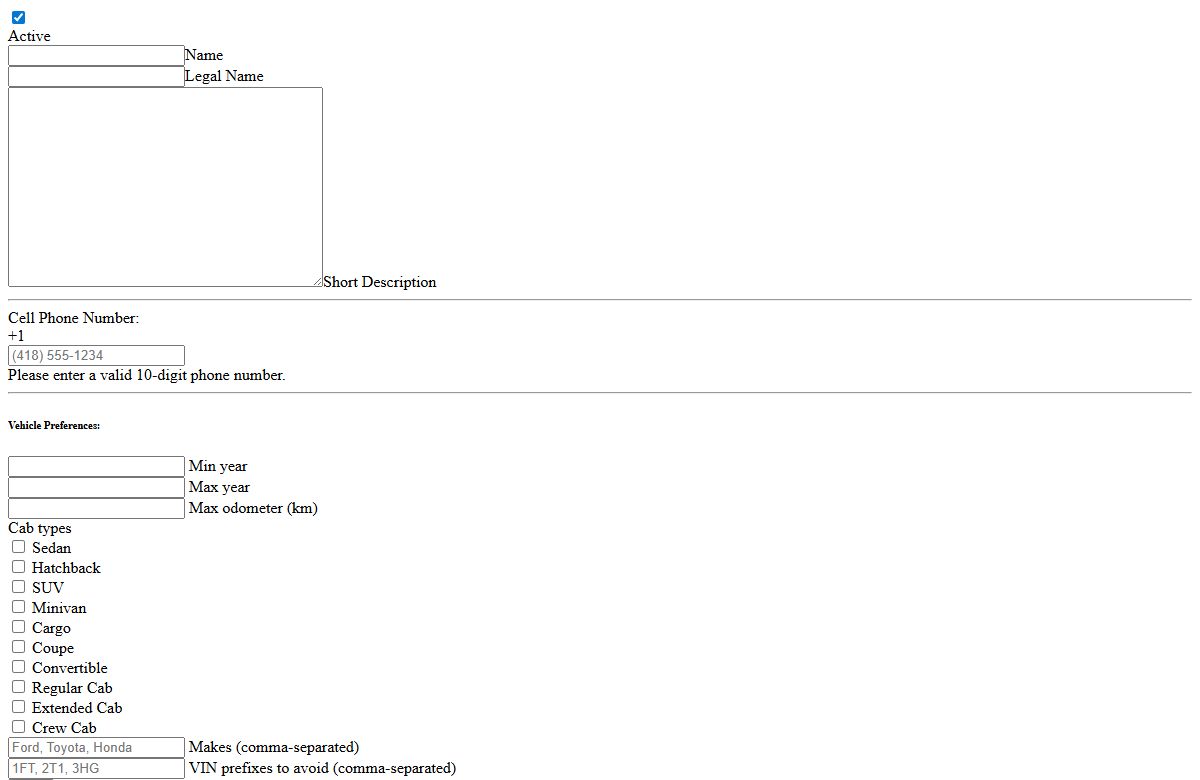
Getting Wholesaler SMS Consent
Before VFT texts a wholesaler, they opt in. How SMS consent works, why it matters for your number, and where you handle it when setting up a buyer.
AI Bid Extraction
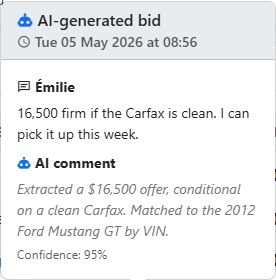
Automatic Bid Extraction: AI Reads the Offer for You
AI bid extraction reads wholesaler texts, pulls out the offer amount, and adds it to the evaluation as a bid, after a human check. Stop re-keying numbers.
Review and Confirm Extracted Bids
When VFT reads an offer out of a wholesaler's text, you confirm it before it's saved. How the human-review gate works, and how to fix a misread.
Carfax Reports
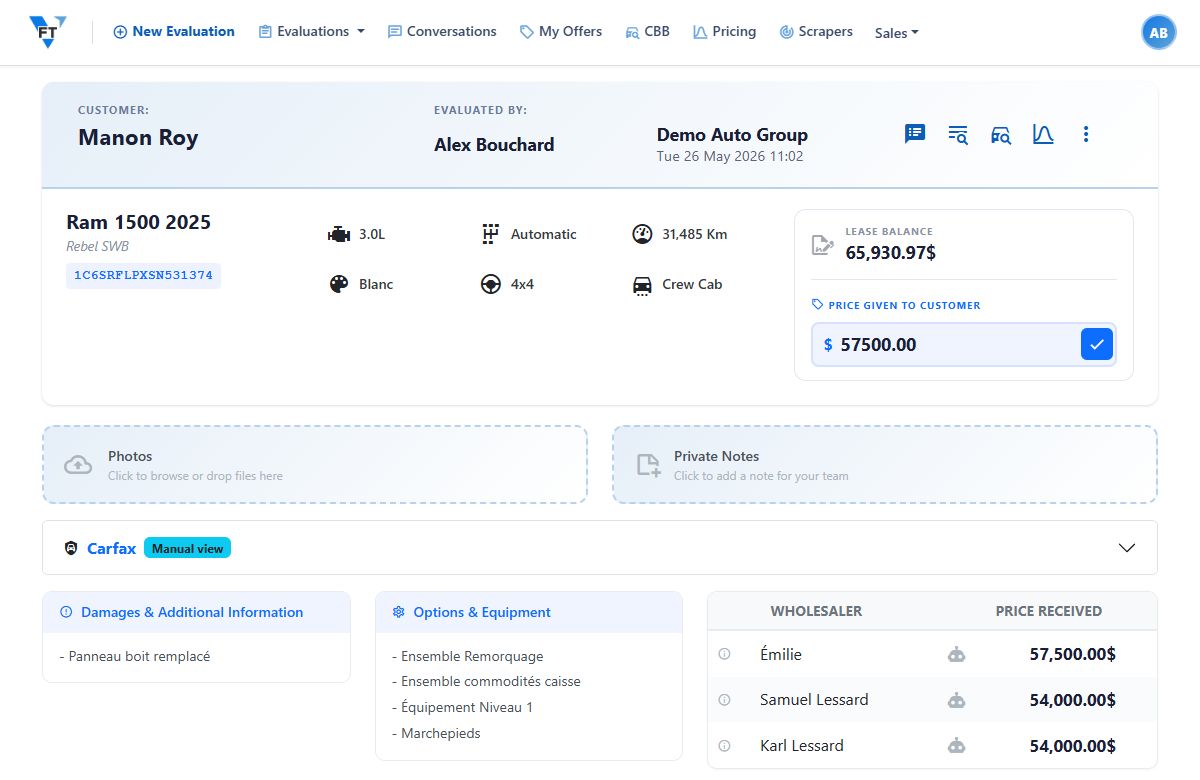
Attach a Carfax Report to an Evaluation
Paste a Carfax report's link onto an evaluation and your wholesalers get a clickable Open Carfax Report when you send the unit. The manual-link workflow.
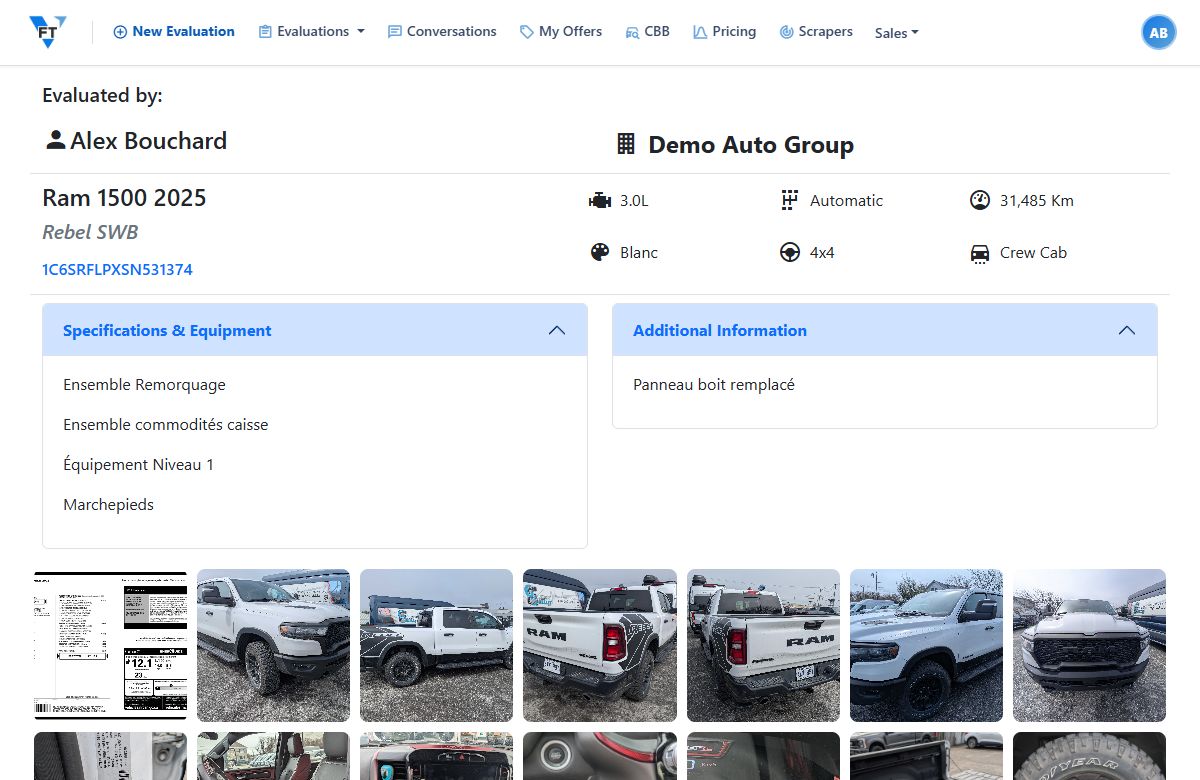
Carfax Vehicle History Reports on an Evaluation
Attach a Carfax vehicle history report to an evaluation so wholesalers can open the full history, and surface declared damage before you sign, not after.
Comparables

Comparables in an Evaluation
See what comparable units are actually asking, right on the evaluation, instead of web-shopping comps by hand. How dealers use comparables in VFT.
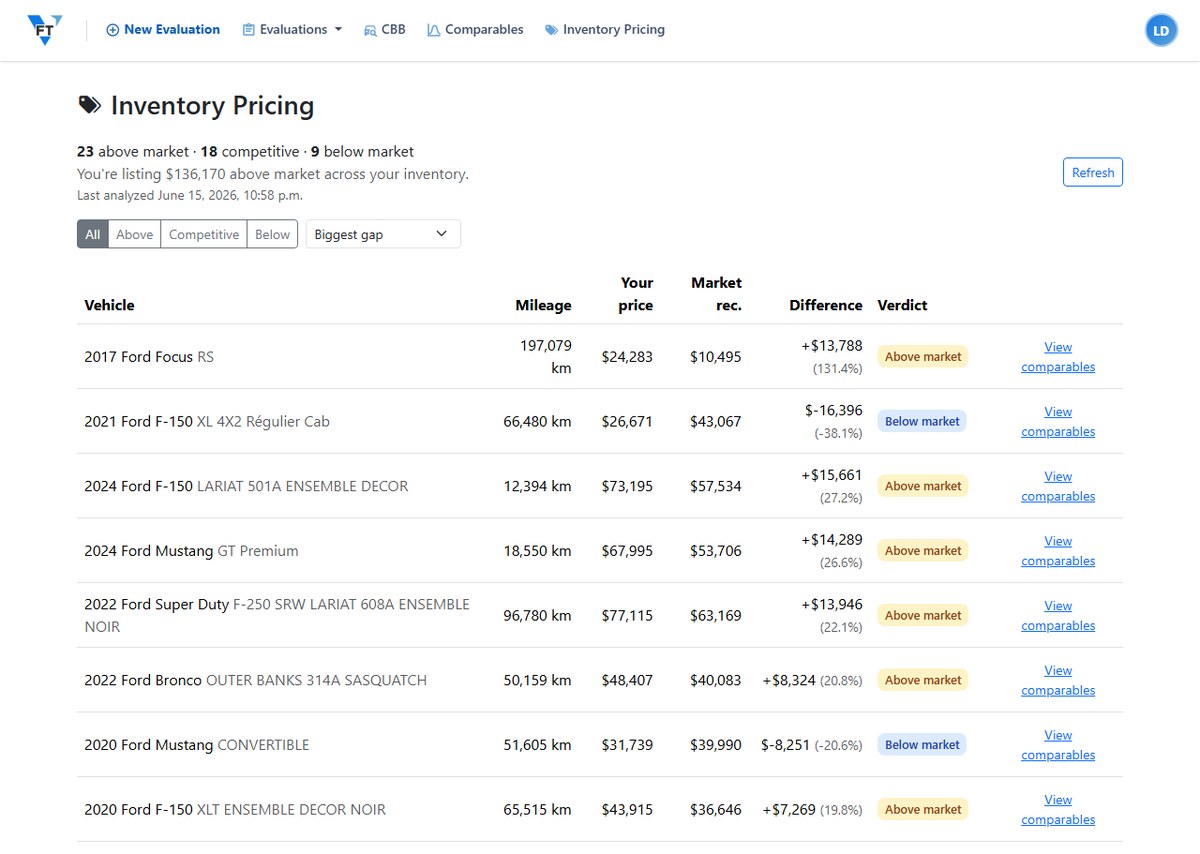
Inventory Pricing: Check Your Whole Lot vs Market
See whether every vehicle in your inventory is priced above, at, or below market in one view. How Inventory Pricing works in Vehicle Fair Trade.
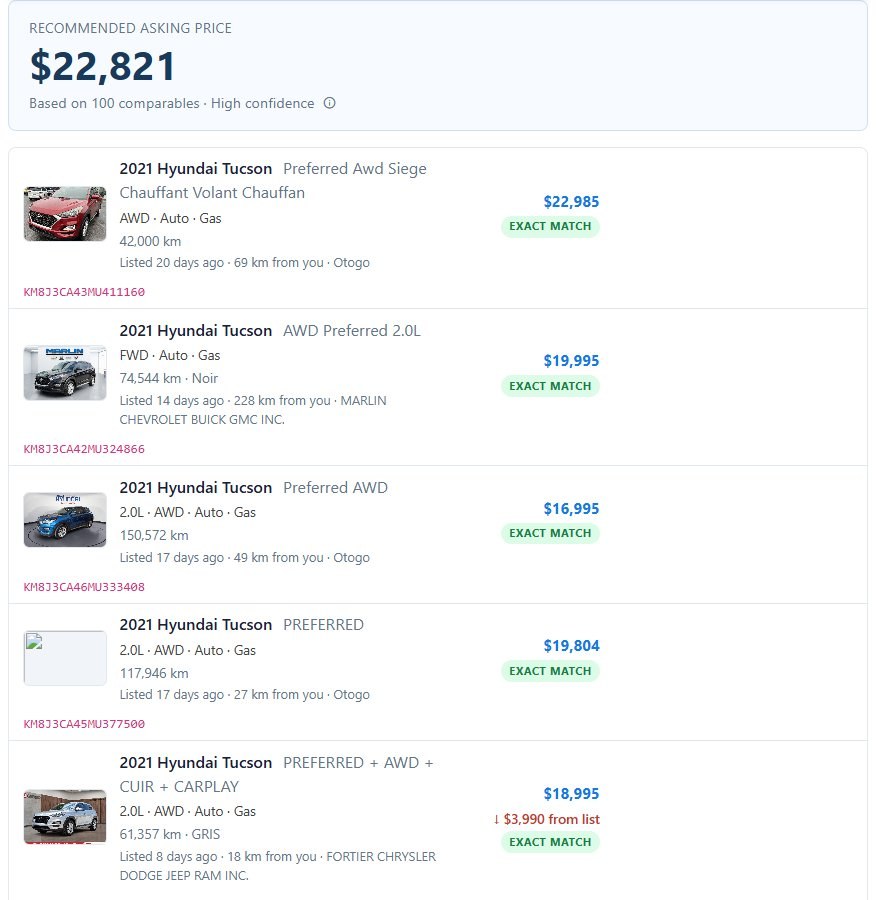
See Comparables on an Evaluation
Open an evaluation and VFT shows trim-matched comparable listings for that unit, so you can sanity-check your number against what similar cars are asking.
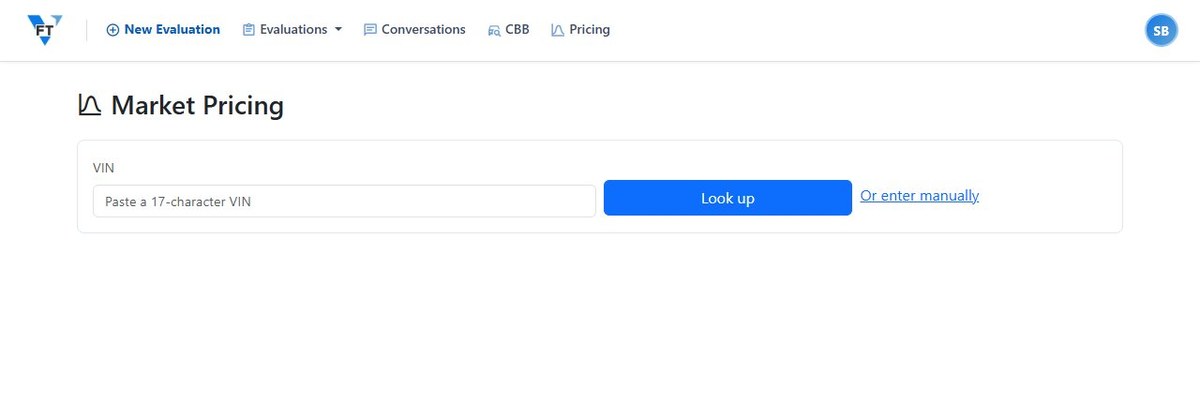
Use the Standalone Comparables Tool
Look up comparable listings for a vehicle without building a full evaluation. When to use the standalone Comparables tool and how it works in VFT.
Statistics
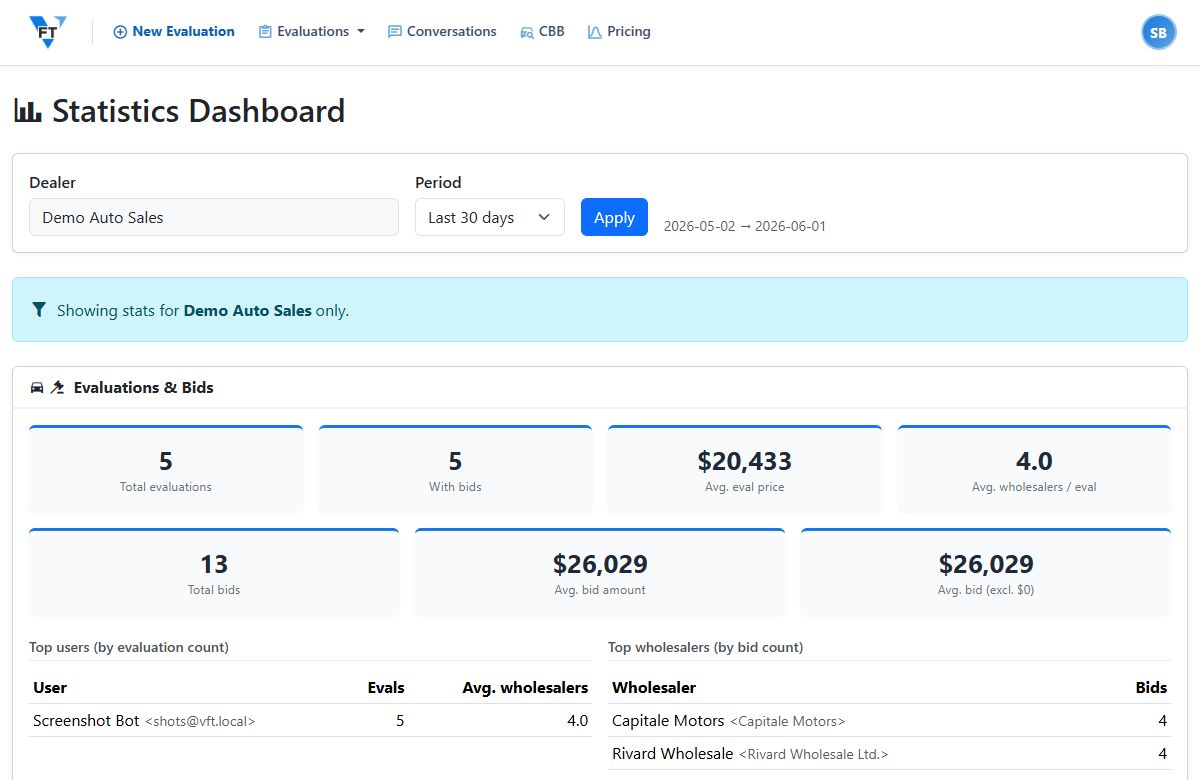
Account & Billing
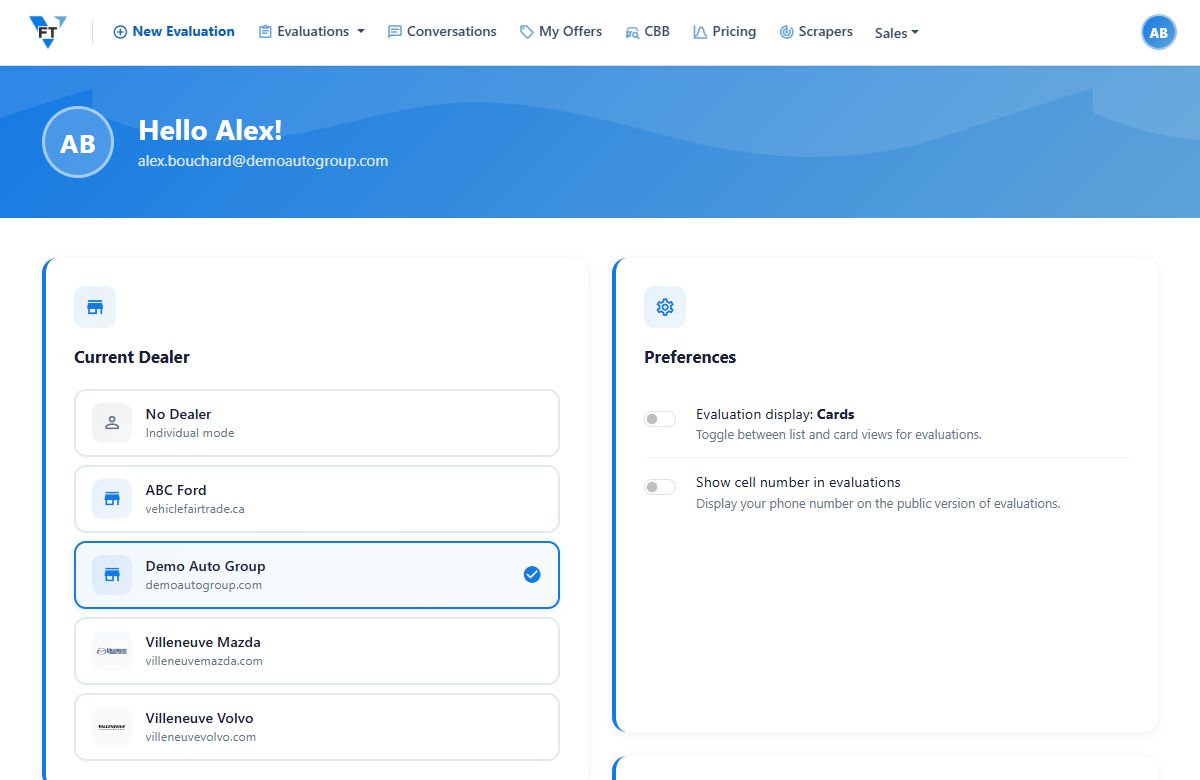
Dealer and Profile Settings
Your profile holds your personal details; your dealership settings hold the store-wide ones, including the require-Carfax option. What lives where in VFT.
Manage Your Subscription
Upgrade or downgrade your VFT plan from your account when your workflow changes. Where to manage your subscription and what changes when you switch tiers.
Plans and Features: What Comes With Each VFT Plan
Which features come with each Vehicle Fair Trade plan, Minoune, Certifié, and Flambant, plus the usage limits. A feature-by-plan comparison, no sales call.